
Important Design Tips for Effective and Professional Designs.
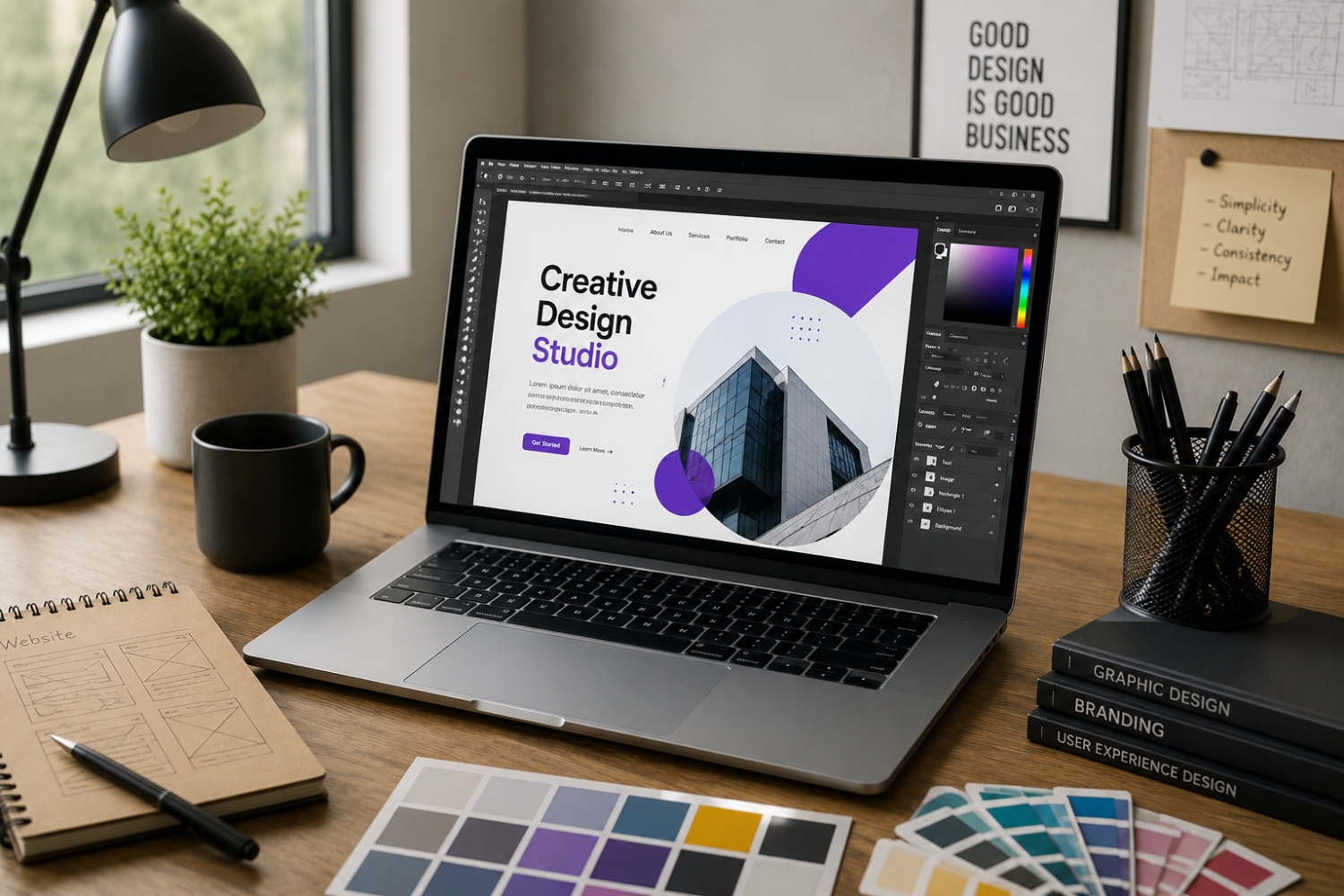
The world in which people live today is a digital one, and design is an integral component of how they absorb information and engage with content. Whether it’s a website, mobile app, presentation, ad or social media post, good design communicates effectively, clearly and engagingly. A good design can be eye-catching and enhance the user experience as well as facilitate the understanding of the content.
The basic concepts of good design are consistent throughout the years although the styles and tools used in design vary. Based on these, the space between, the color balance, clear alignment, consistency, and readability are significant factors that make the work look good and professional. With a little knowledge and knowledge, anybody can make designs that are functional and impactful.
1. Keep It Simple
One of the strongest principles of design is simplicity. Do not overdo it with colors, fonts, shapes, or images in your design because too much of it may overwhelm and disorient users.
Only concentrate on those things that are value adding.
- Utilize a few fonts and colors.
- Maintain layouts free and clear.
- The simplicity of the design will enable the users to stick to the main message without distractions.
2. Mind Visual Hierarchy.
Visual hierarchy helps users to navigate through your content in a logical and organised manner. It makes sure that the most crucial information comes out first.
You can establish hierarchy using:
- Size (larger items are more noticeable)
- Color (contrast emphasizes significance)
- Spacing and positioning
With a clear hierarchy, content can be scanned and comprehended faster.
3. Choose Colors Carefully
Colors are used to trigger emotions and convey meaning. Proper color balance helps in improving aesthetics and functionality.
- Use a restricted color palette.
- Have proper text and background contrast.
- Do not use too bright or incompatible colors.
- Regular use of colors also enhances brand identity.
4. Be Effective in White Space.
The white space (or negative space) is the empty space between objects. Rather than underfilling space, make sure that you utilize space wisely.
Benefits include:
- Improved readability
- Reduced visual clutter
- Greater emphasis on major aspects.
- Adequate spacing gives an appearance of cleanliness and professionalism.
5. Maintain Consistency
Coherence assists in developing a smooth and professional design. Mixed styles may mislead users, and undermine your message.
Maintain consistency by:
- Employing the same font and colors.
- Maintaining space and alignment.
- Adhering to design/brand requirements.
- It increases reliability and enhances usability.
6. Prioritize Readability
Despite the visual attractiveness of a design, it should be readable.
- Select readable fonts.
- Keep proper line spacing.
- Make sure there is a good contrast between text and background.
- Do not use too many decorative fonts in a long content.
- Readable material makes sure that your message is clearly passed across.
7. Align Elements Properly
The alignment establishes a structure and balance in a design. Bad alignment may result in disorganized and unprofessional layouts.
- Align text and graphics on similar edges.
- Layout structure-use grid systems.
- Use equal spacing among elements.
- It is properly aligned to enhance navigation and visibility.
8. Understand Your Audience
Design is not merely about the looks – it is about communication. Understanding your audience assists you in better decision making in design.
For example:
- Children’s designs can be done in colorful fonts and designs.
- Business designs might need an elegant and professional appearance.
- Your work should be more relevant and effective through audience-oriented design.
9. Utilize Pictures and Graphics Effectively.
Photographs and graphics may supplement your design, when used appropriately.
- Incorporate quality, pertinent images.
- Do not overload the design with images.
- Have a uniform visual style.
- The right visuals reinforce your message without overcrowding your design.
10. Get Feedback and Get Better.
Design can be a co-operative process. Feedback will assist you in determining what aspects need improvement which you may not have noticed.
- Share your work with other people.
- Be receptive to positive criticism.
- Practical test designs.
- Constant improvement results in improved outcomes.
11. Keep up to date with Design Fashion.
Although the basics do not change, keeping in touch with the trends of design can make your work up to date and pertinent.
There are certain trends which include:
- Minimal interfaces
- Dark mode designs
- Micro-interactions
- Accessibility-focused design
- As a designer, exploring new ideas and tools is a way to develop.
Final Thoughts
If you’re designing, it’s not just about the graphics, it’s about communicating and problem-solving. A good design should be simple, clear and easy to use, as well as aesthetically pleasing. Simple, aligned, consistent and readable are some of the principles that can result in an effective and professional design.
In my experience being a designer one of the most important things is to be a life-long learner and developer. Other design principles such as keeping up to date on trends and listening to feedback can help to enhance creativity and quality of design. Even small improvements in design practices can make a big difference over time.