
What technical SEO factors affect website performance the most?

What technical SEO factors affect website performance the most?
I’ve spent way too many late nights digging through Search Console reports trying to figure out why a site wasn’t ranking despite decent content, so I figured I’d share what actually moved the needle for me. This isn’t theory it’s the stuff I check first on every audit now, ranked roughly by how often it’s the actual culprit.
1. Page speed / Core Web Vitals
Still the biggest one, hands down. Google cares about LCP (how fast your main content loads), CLS (how much stuff jumps around while loading), and INP (how snappy the page feels when someone clicks something). If your LCP is past 2.5s, you’re already fighting an uphill battle.
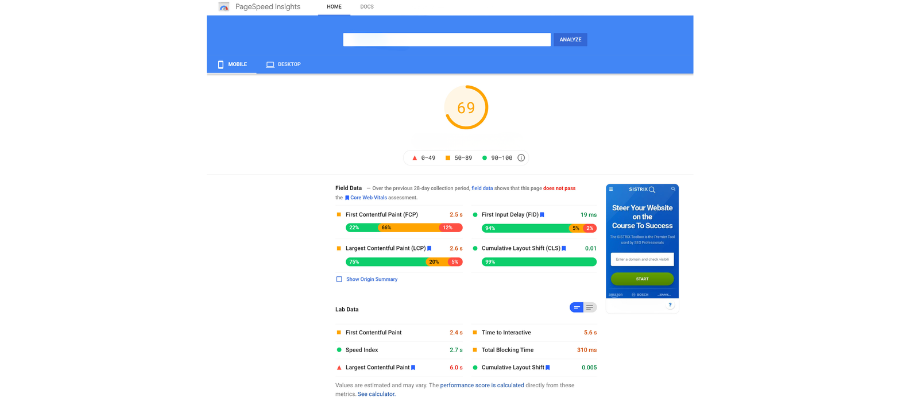
How to fix it:
- Compress images (WebP over PNG/JPEG almost every time)
- Lazy-load anything below the fold
- Ditch render-blocking scripts, or defer/async them
- Get a decent host — shared hosting kills more sites than bad code does
- Run it through PageSpeed Insights and actually read the diagnostics, not just the score
2. Crawlability (robots.txt + sitemap issues)
You’d be surprised how many sites accidentally block Google from crawling half their pages. I once found a client blocking /blog/ in robots.txt for no reason anyone could remember.
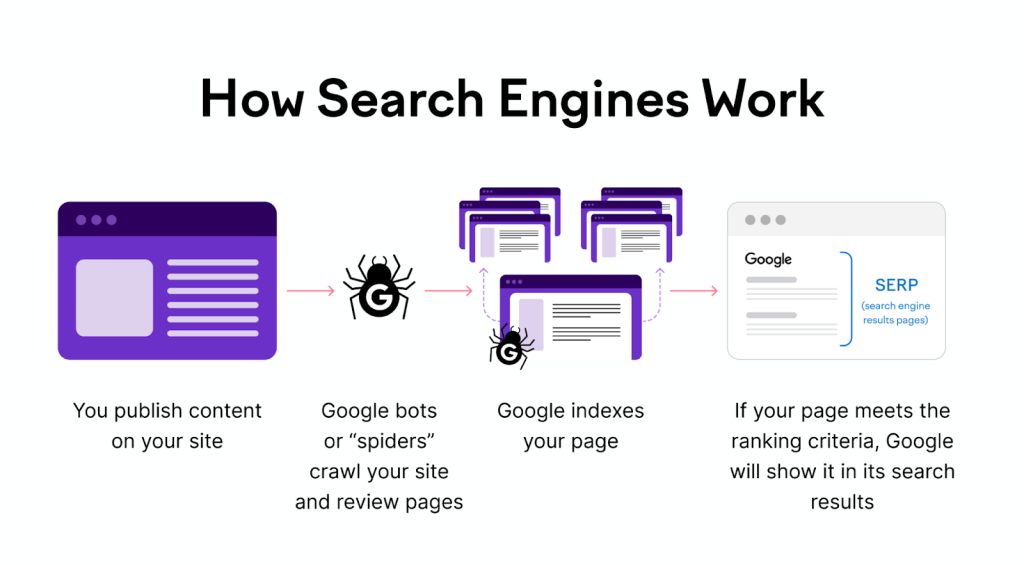
Fix: Check robots.txt manually, submit a clean XML sitemap in Search Console, and make sure it’s actually updating when you publish new pages (a lot of CMS plugins silently break this).
3. Indexability — noindex tags and canonical mess-ups
This one’s sneaky because the page looks totally fine to a human. Somewhere a noindex got left on from staging, or every page is canonicalizing to the homepage because a plugin misfired.
Fix: Crawl your own site with Screaming Frog (free up to 500 URLs) and check the indexability column. Fix stray noindex tags and make sure canonicals point to themselves unless there’s a real reason not to.
4. Mobile-friendliness
Google’s been mobile-first indexing for years now, so if your mobile experience is an afterthought, that’s what’s actually getting evaluated — not your beautiful desktop layout.
Fix: Responsive design isn’t optional anymore. Test with Google’s Mobile-Friendly Test, check tap target sizes, and make sure text isn’t tiny without zooming.
5. HTTPS and mixed content
If you’re still on HTTP, fix that today, it takes an hour. But even sites on HTTPS sometimes have mixed content warnings from old image or script URLs still pointing to http://.
Fix: Force HTTPS redirects site-wide, then crawl for mixed content warnings and update the URLs.
6. Broken links and 404s
Not usually a huge ranking factor on its own, but it wrecks crawl budget and user trust, and it compounds with everything else on this list.
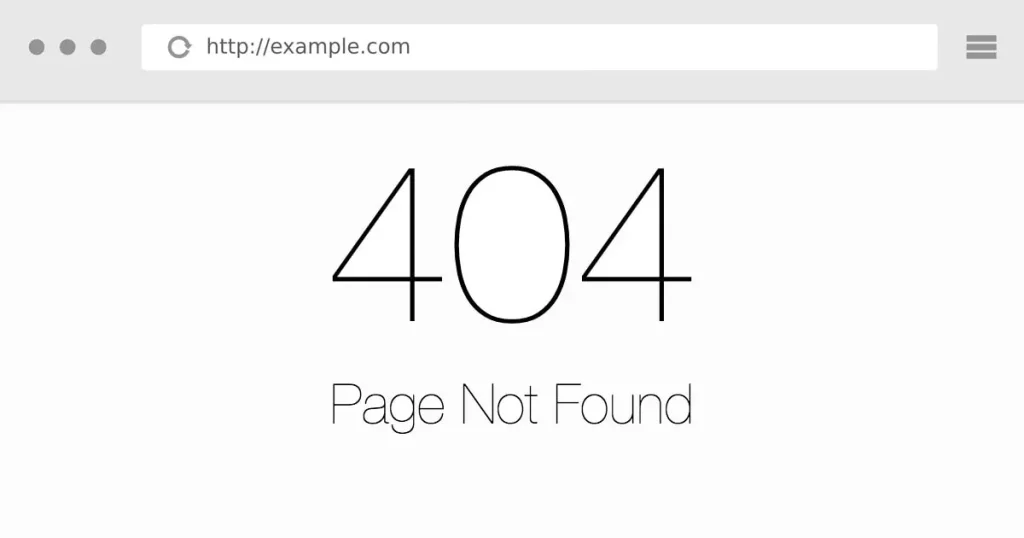
Fix: Run a crawl, find the 404s, either fix the link or 301 redirect it to something relevant. Don’t redirect everything to the homepage — that’s basically as bad as a 404 in Google’s eyes.
7. Duplicate content
Category pages, filtered URLs, print versions, tracking parameters — these all create near-duplicate pages that dilute your rankings across multiple URLs instead of consolidating into one strong page.
Fix: Canonical tags pointing to the preferred version, and use parameter handling in Search Console or noindex the junk variants.
8. Redirect chains
Page A redirects to B which redirects to C which finally lands on D. Every hop costs load time and sometimes loses link equity along the way.
Fix: Crawl and find chains longer than one hop, then point everything straight to the final destination.
9. Structured data / schema markup
Not a direct ranking booster, but it’s the difference between a plain blue link and a rich result with stars, prices, or FAQs showing up — and that CTR bump matters.
Fix: Add JSON-LD schema relevant to your content type (Article, Product, FAQ, etc.) and validate it with Google’s Rich Results Test.
10. Server response time (TTFB)
Everything above can be perfect and it won’t matter if your server takes 2+ seconds just to start sending data.
Fix: Use a CDN, enable caching, and honestly — if you’re on cheap shared hosting and wondering why nothing’s improving, this is probably why.
Honestly, if I had to pick just three to check first on any site: page speed, crawlability, and indexability. Those three catch about 80% of the technical issues I run into. The rest matter, but they’re rarely the reason a whole site is underperforming.
Happy to go deeper on any of these if anyone wants specifics what tools I use for each check, etc.